

Google+ Events: Custom Background for Themes, Hangouts & Calendar Integration
The new image dimensions for Google Plus events are 1200x300px

June 27, 2012
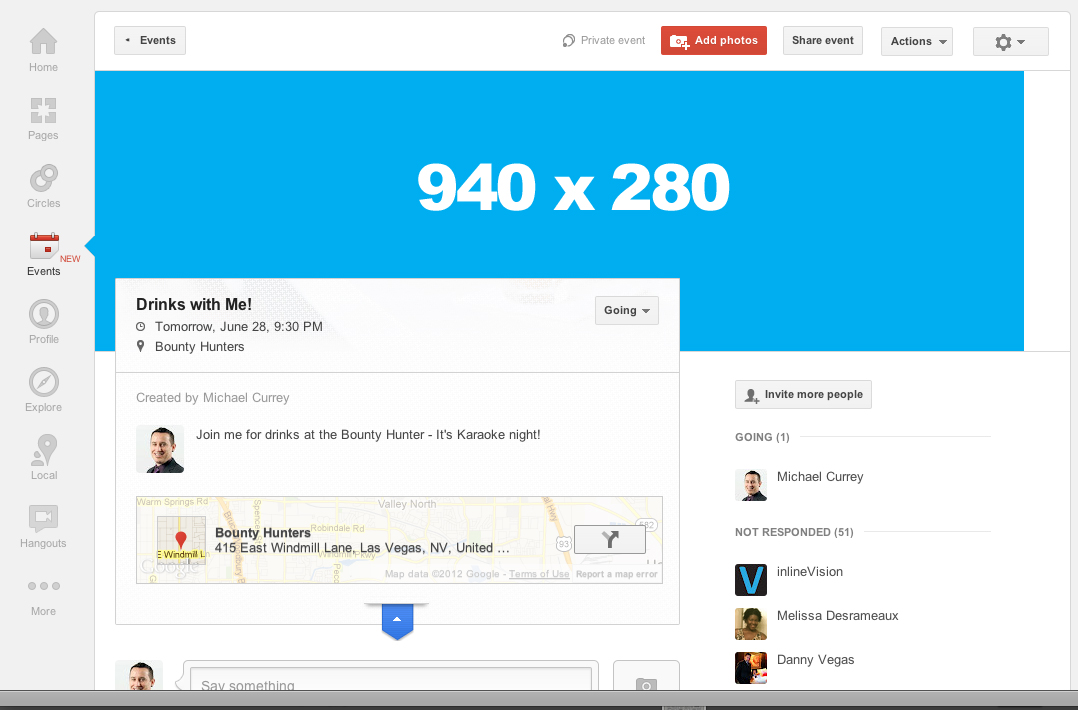
Events have finally come to Google+ and after going through all the features and creating my first event I immediately checked to see what the custom image size was… it’s 940×280. First step one, create a template in Photoshop :) Done!
I’ve been waiting for a long time for this feature to come so I tried to explore as much as I could. Here are the results, fourteen screenshots of everything I’ve seen so far AND a bonus (FREE) Photoshop template for creating your own custom Theme background or banner image. Skip to the end if you’re just here for the template. ;)
First looks at the new Events feature
-
- Google+ let’s you know
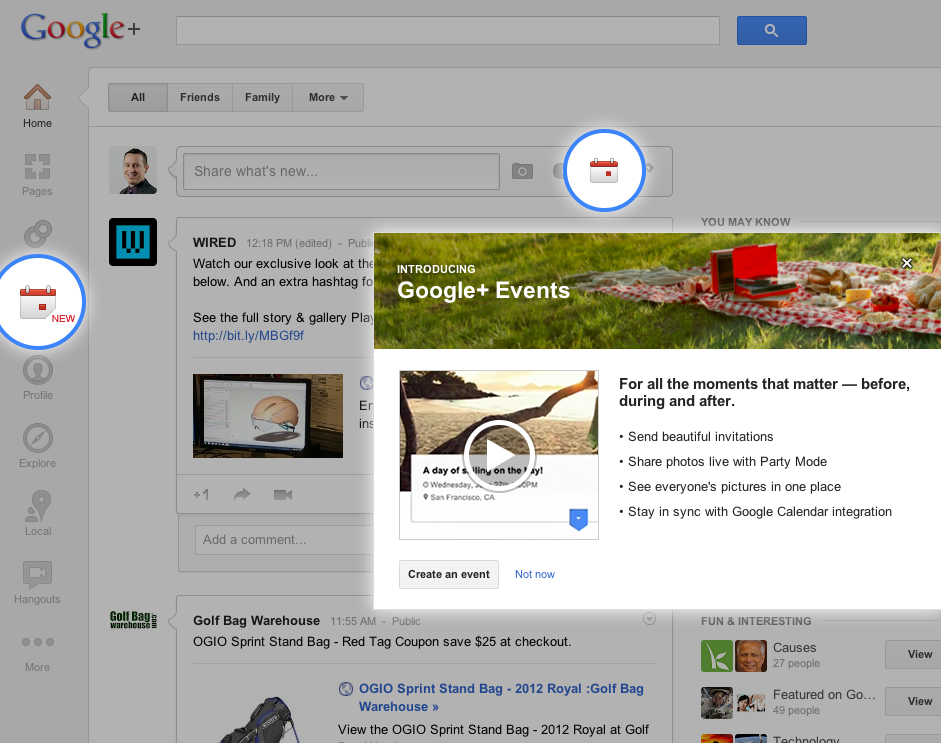
-
- Creating an Event
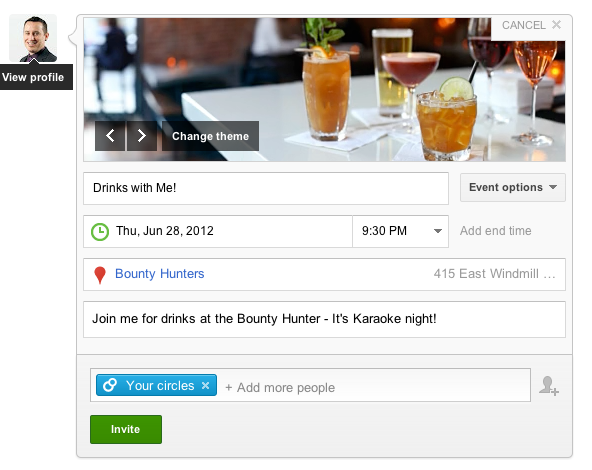
-

- Featured Themes are animated
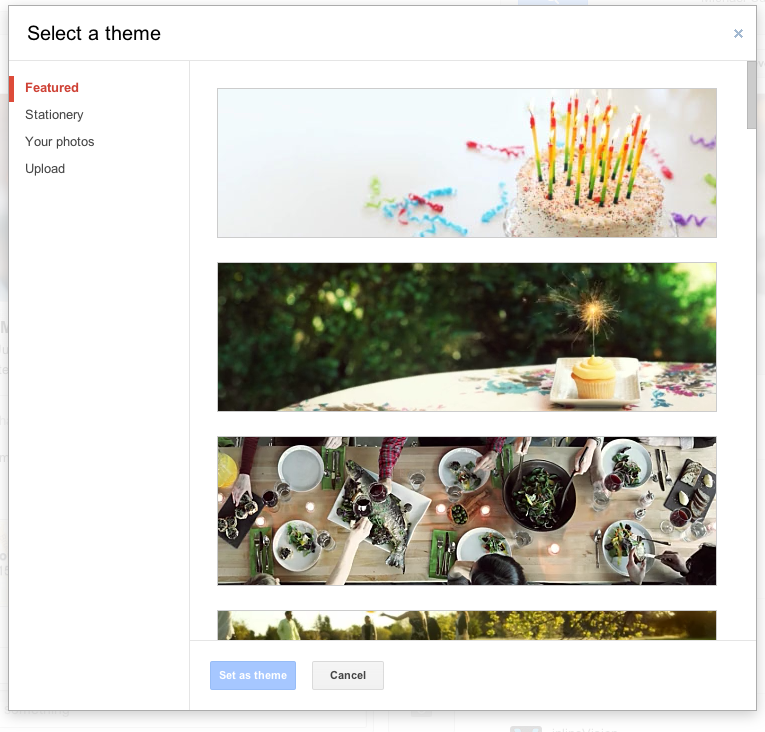
-
- Theme options: Stationery
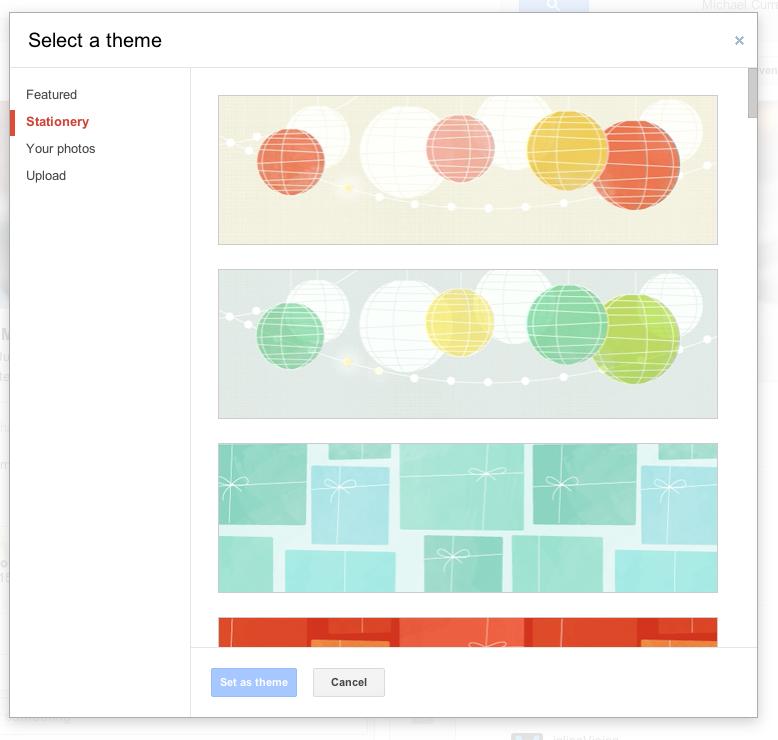
-
- Advanced options menu

-
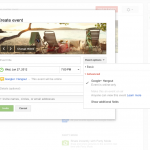
- Events can be Hangouts
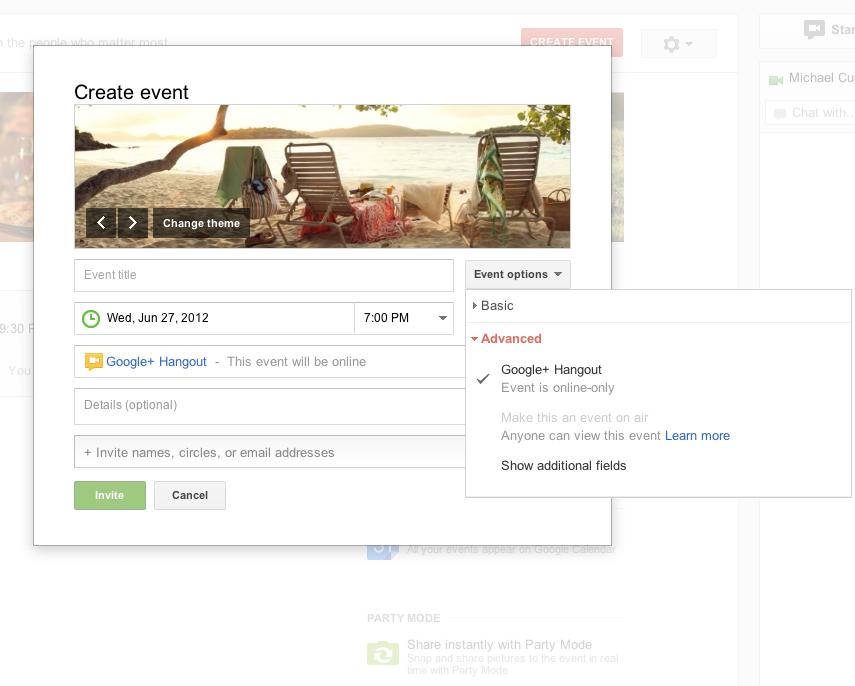
-
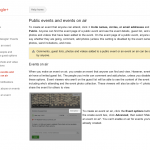
- On Air Events details

-
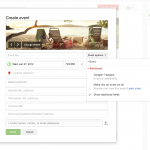
- Additional fields
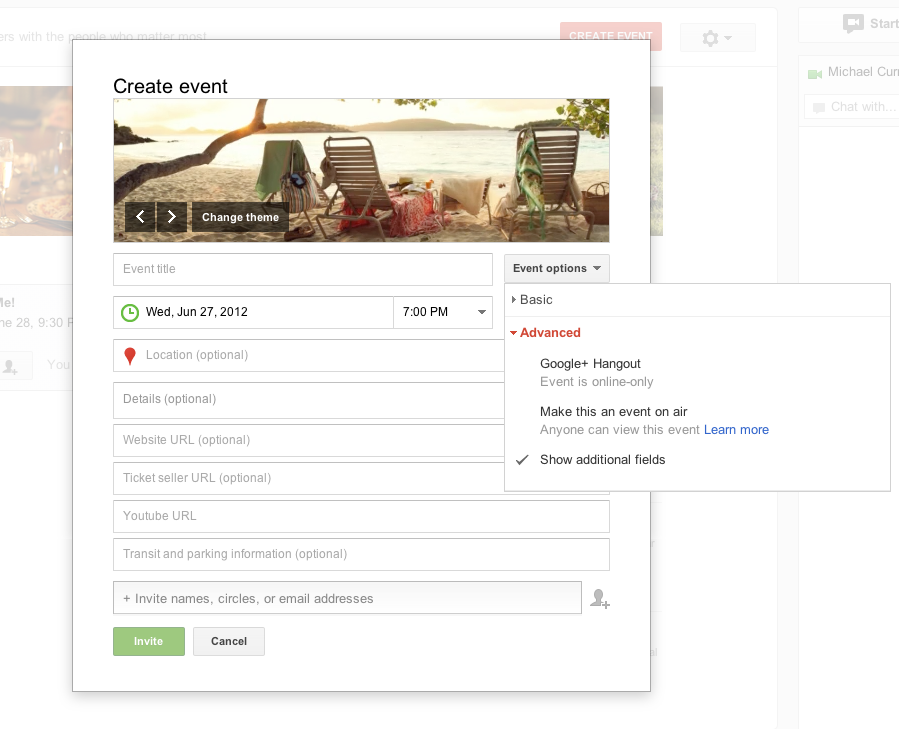
-
- Event Actions menu
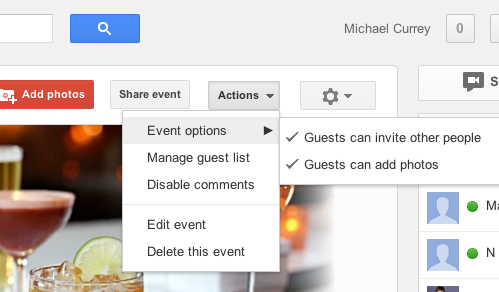
-
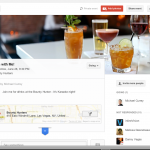
- Completed Event listing
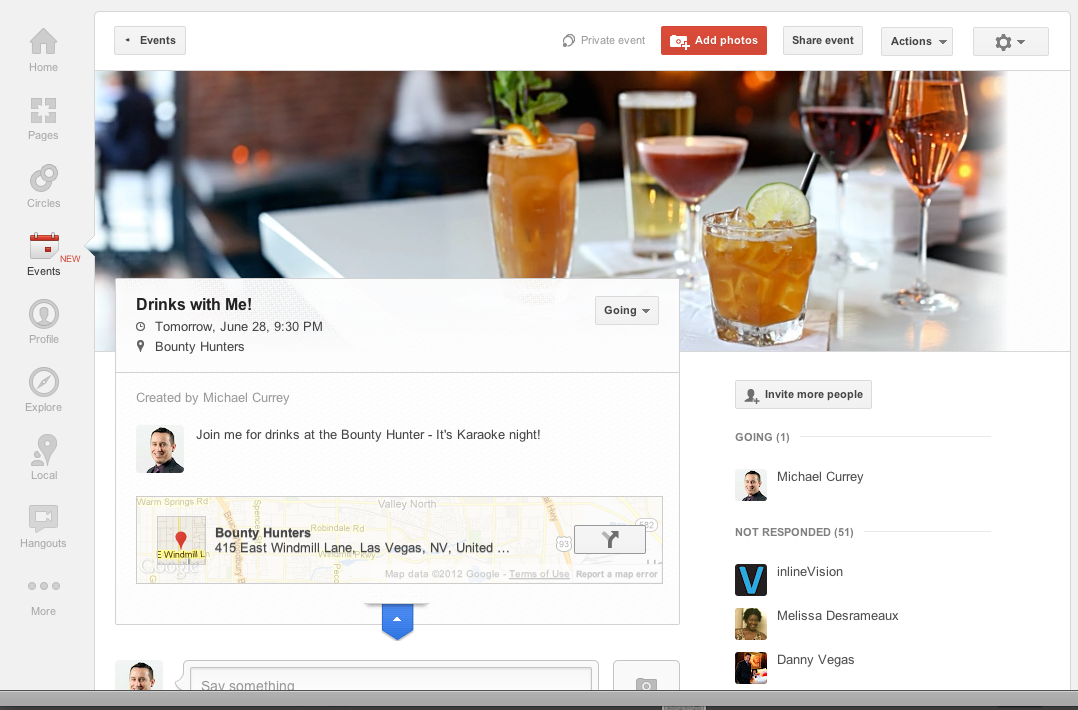
-
- Show and hide the map!
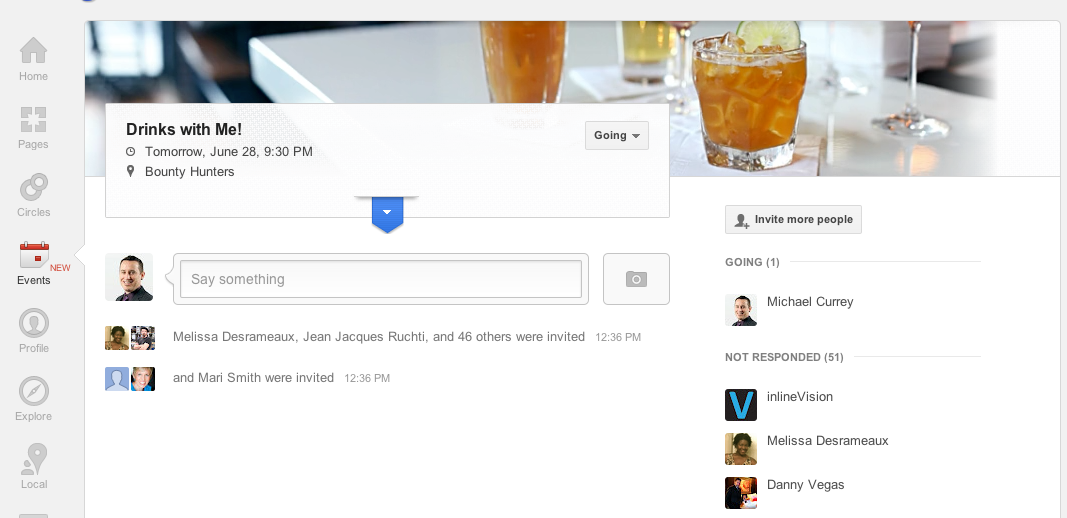
-
- Your Events page
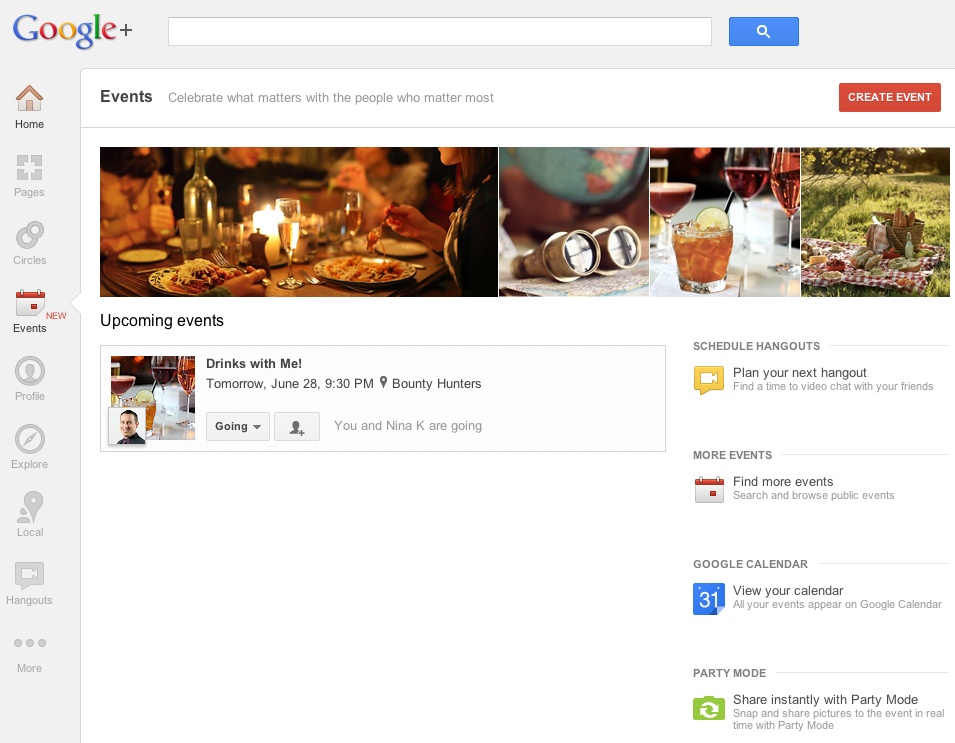
-
- Party Mode’s features
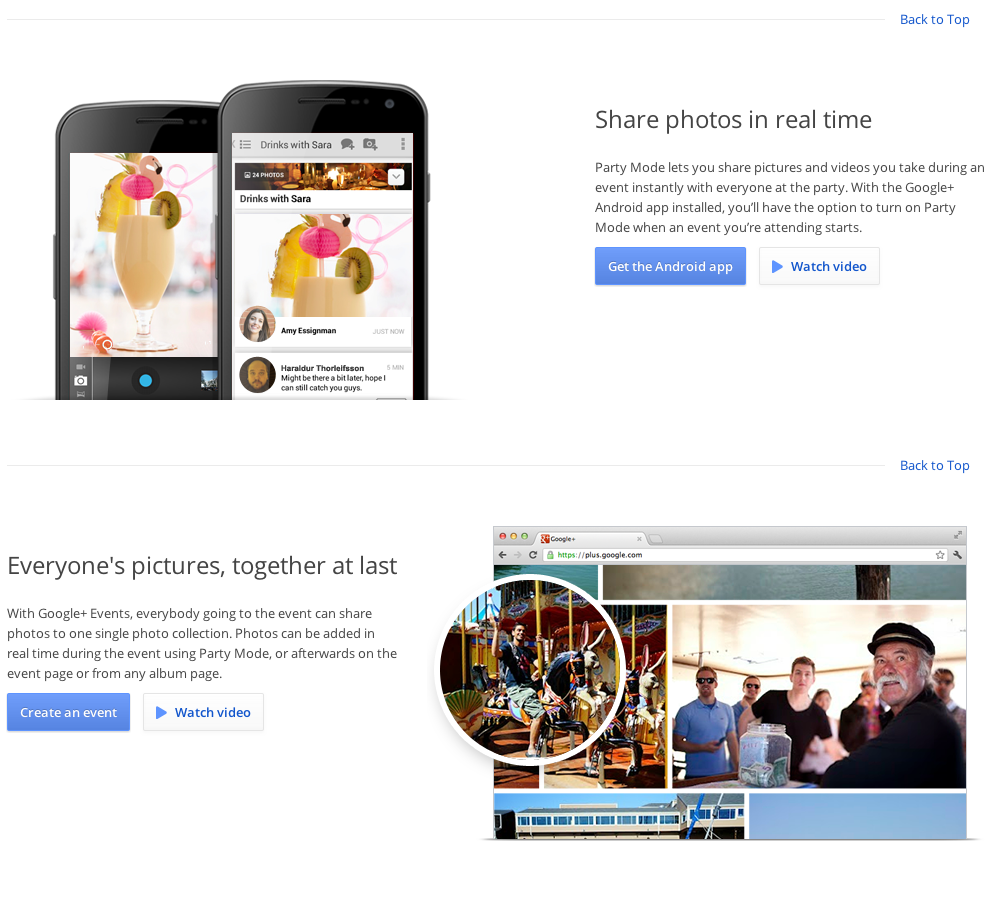
-
- Sync to Google Calendar

-
- Theme template preview
Since Google+ is dead, the download is no longer available.

About the author:
Michael Currey is an experienced web designer, front-end developer and social media manager with 15 years of experience and an education from the Academy of Art University in San Francisco.
Leave a Comment
Search
-
Latest Articles
-
 Jul 17, 2021
Woocommerce Security Woos
-
 Apr 15, 2020
Citibank and Other Bank Scam Text Messages
-
 Mar 6, 2020
Hostgator Account Phishing Emails
-
More From Our Blog

